The Operations Efficiency Toolkit. Get off the 14 spreadsheets for good.
The online score rates your 8 core workflows in two minutes. This toolkit is what you use next: a Master Business Workbook to score them in depth and track the hours and dollars over time, plus a 90-day Operations Improvement Roadmap that fixes your weakest workflows first.
"You are the wire connecting everything."
A quick take from Joe on why running your business across 14 disconnected spreadsheets quietly costs you hours every week, and how the workbook and roadmap turn that back into billable time.
A workbook to measure it. A roadmap to fix it.
Two artifacts, built to work together. Use the workbook to score all 8 workflows and put a real hours-and-dollars number on the manual work. Use the roadmap to move your lowest-rated workflows first, over the next 90 days.
- Master Business Workbook (Excel) — score all 8 workflows, track hours a week and dollars a year
- Operations Improvement Roadmap (PDF) — a 90-day plan, weakest workflow first
- Free. No upsell. Built around the same 8-workflow model as the score.
Master Business Workbook
The full version of the online score. Rate all 8 workflows, enter your office staff and hourly rate, and the workbook calculates the hours a week and the dollars a year your manual process is costing — and shows the number move as you improve.
- Score all 8 core workflows, 1 to 5
- Auto-calculated hours a week and annual cost
- Track the score over time as you connect systems
- Your top quick-win workflows, ranked
Operations Improvement Roadmap
A 90-day plan that takes the workflows you rated lowest and fixes them in order — the ones costing you the most hours first. Not a rip-and-replace; one connected change at a time.
- Weakest workflow first, biggest hours back
- What to connect in month 1, 2, and 3
- The one-entry rule that ends double keying
- How to protect the gains once they're in
The four operations zones.
Score all 8 workflows and your business lands in one of four zones. Once you can see the zone, you know how much of your week is spent moving numbers by hand — and what to fix first.
You are the wire.
Most of your week is spent moving numbers by hand between spreadsheets. Almost every workflow is a quick win — start with the one that eats the most hours.
Gaps pull you back.
A few things are connected, but the gaps still drag you back to the desk to stitch it together. Close the two lowest-rated workflows and the week gets noticeably shorter.
Most of it talks to itself.
Good shape. Most of the business flows on its own; a couple of workflows are still manual. Clean those up and you're at a connected system.
Entered once, flows everywhere.
Strong. Information is entered one time and shows up everywhere it's needed. Protect it, and keep every new tool connected to the same job.
The workbook measures the leak. The roadmap closes it.
Rate all 8 workflows
Open the Master Business Workbook and rate each workflow 1 to 5. Enter your office staff and hourly rate. The workbook turns it into hours a week and dollars a year — the real cost of the manual process.
Fix the weakest first
The roadmap takes your lowest-rated workflows and puts them in order — biggest hours back first. Month 1, month 2, month 3. One connected change at a time, not a rip-and-replace.
Watch the number move
Re-score in the workbook after each change. As workflows move from manual to connected, the hours a week and annual cost fall. That falling number is the case for the next fix.
The episode this toolkit was built for.
Joe on why 14 disconnected spreadsheets quietly cost you hours every week, and what changes when the schedule, the field time, the receipts, and the job costing all run off one connected job. The toolkit on this page is the system from the episode.
Watch on YouTube →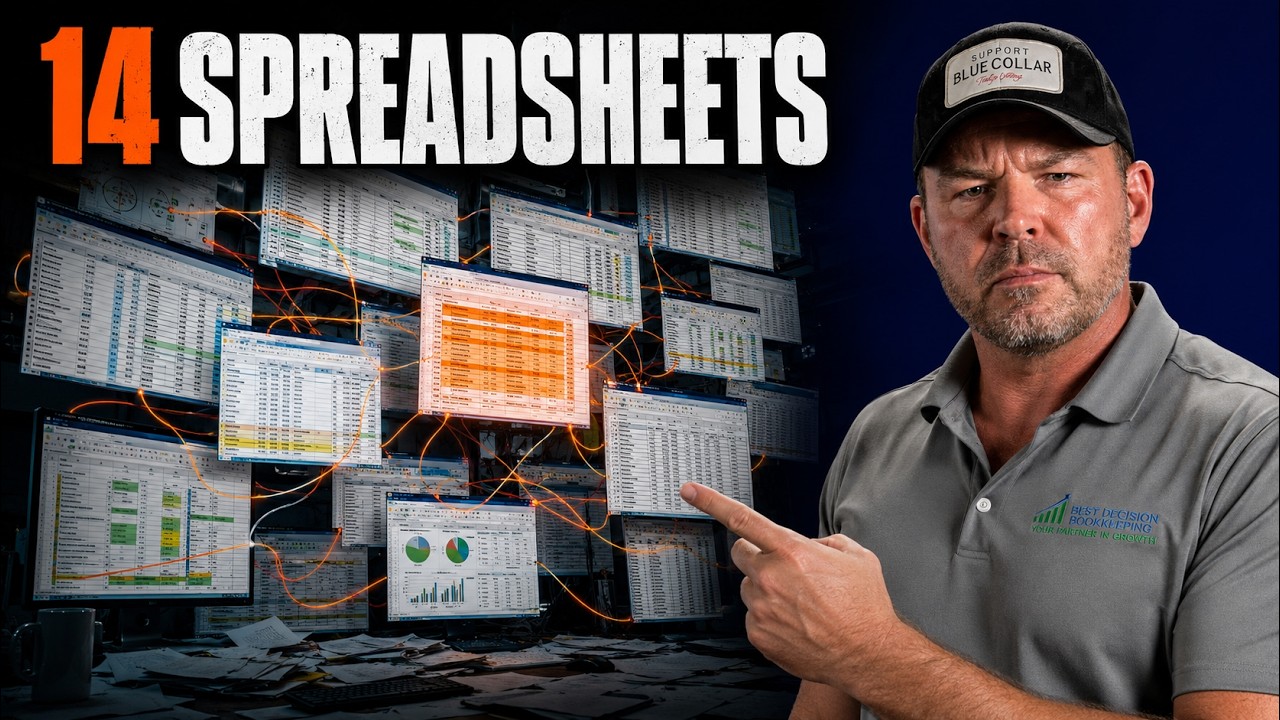
Built to pair with the Operations Efficiency Score.
The online score rates your 8 workflows in two minutes and hands you a number. This toolkit gives you the full workbook to track that number over time and the 90-day roadmap to move it. Same 8-workflow model, designed to be used together.
Open the Operations Efficiency ScorePair it with these.
Software Stack Cost Calculator
Add up every tool you pay for and see your stack's true annual cost.
Open the tool →Job Cost Tracking Toolkit
The checklist and 30-job tracker built around the 30/35/45 margin zones.
Get the toolkit →Mini CFO Dashboard
Set your margin target and see which segments clear it and which drag.
Open the tool →If your business runs on 14 spreadsheets, we can help you connect it.
Best Decision Bookkeeping installs construction-grade books and job costing that connect to how you actually run the work. 30-minute call. No pitch. We'll walk your setup and tell you what's costing you time.